Most guides to clinic management systems list the same features. This one is about the part that decides whether the software helps: how it changes an actual working day, what the first month looks like, and the mistakes that make a rollout fail. If you want the plain definition first, our clinic management software guide covers the basics.
A working day, before and after
Before: the first patient arrives, reception hunts for the file. The doctor works from memory and a thin folder. Prescriptions are handwritten. Reception writes bills in a book. At 8pm someone totals the book and it does not match the cash drawer. A patient who was told to return in two weeks is never chased.
After: reception pulls the record by phone number as the patient walks in. The doctor opens the last visit, writes the prescription once, and it prints on the letterhead or goes to the patient on WhatsApp. The bill is a GST invoice made from the visit. The cash drawer reconciles because every payment is against an invoice. The system has a list of follow-ups due, and reminders went out that morning without anyone deciding to send them.
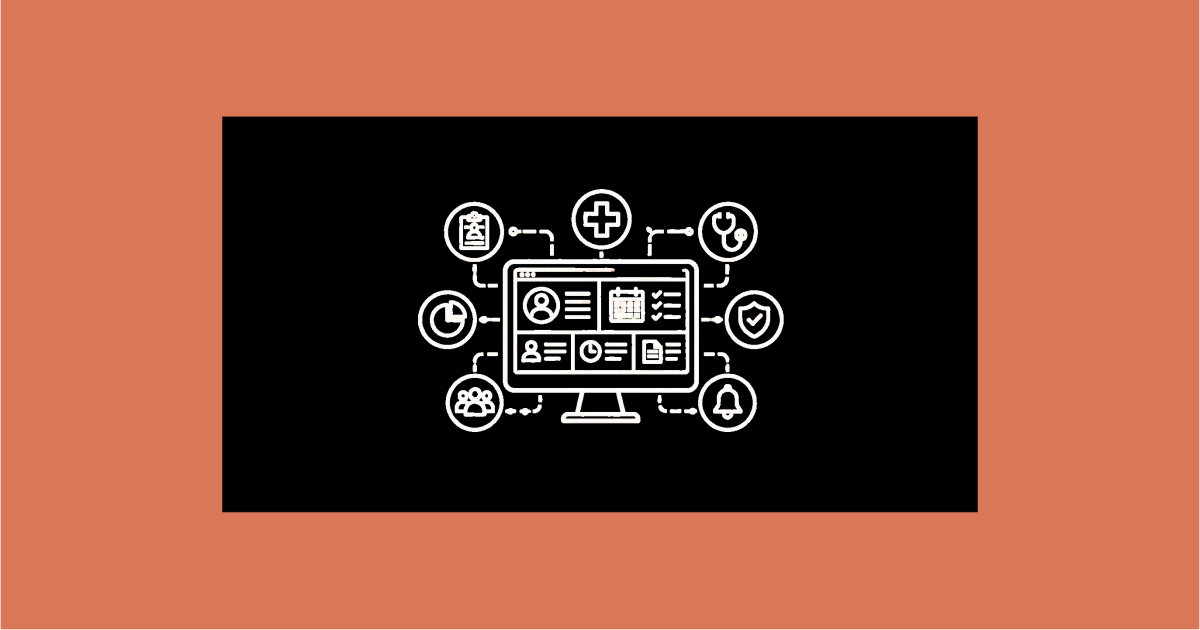
The features that produce this are ordinary: patient records, doctor-wise appointments, digital prescriptions, GST billing, automatic reminders. What matters is that they are in one system, so nobody re-enters a patient three times a visit.
What the first month actually looks like
- Week 1: the account is configured, doctors, timings, fees, prescription templates, user roles. If the vendor does this for you, it is a few days; if not, block real time for it.
- Week 2: reception learns registration, appointments and billing. Doctors learn the consultation screen. Expect it to feel slower than paper at first, that is normal and passes in about a week.
- Weeks 3–4: the questions start, "how do I handle a package", "where do walk-ins go". This is when responsive support matters. By the end of the month the habits are formed.
- Month 2–3: the reports become useful because there is now data in them. Follow-up capture, collection reconciliation, no-show rate.
Where rollouts fail
- Training on a half-configured system. Staff learn workarounds you then have to un-teach.
- Migrating everything. Ten years of dormant files slow the import and clutter search. Bring active patients and key history.
- A long parallel run. Paper and system both running for months means every task is done twice and neither record is complete. Set a switchover date.
- Buying hospital scope. An outpatient clinic does not need wards, a lab module or a pharmacy store. Those screens are cost and clutter.
- No owner. One person in the clinic has to own the setup and be the point of contact for questions.
Cloud, and what it means practically
Nearly all clinic systems now are cloud-based: nothing installed, accessible from a phone, vendor handles backups and updates. For a clinic that removes the "who maintains the server" problem entirely. The trade is that you need a working internet connection at the desk; most clinics already do, and a phone hotspot covers a short outage.
Choosing one, briefly
- Demo on your own specialities, fees and prescription format.
- Print a real prescription and a real GST invoice; check both.
- Confirm who does the setup.
- Confirm your branding is on patient-facing documents.
- Confirm you can export your data if you leave.
Where CareZenix fits
CareZenix is an outpatient clinic system covering this ground, records, appointments, branded prescriptions, GST billing, an online booking widget and WhatsApp reminders, with the account configured for you before you log in and support on phone and WhatsApp through the first weeks. It has no inpatient, lab or pharmacy modules, which keeps the first month shorter. See the features page for the full scope.
The takeaway
A clinic management system is not hard to understand; it is the rollout that decides the outcome. Configure fully before you train, migrate only what you need, switch over on a fixed date, and give it a quarter before you judge the reports. Buy for the practice you run, and it repays the monthly fee in saved time quickly.
Related reading
Frequently Asked Questions
Insights and details about this topic.
It is software used to manage clinic operations like appointments, billing, and patient records.
It improves efficiency, reduces errors, and enhances patient experience.
Yes, many affordable solutions are available for small clinics.
Yes, it integrates with EMR, billing, and lab systems.
Better workflow, improved accuracy, and higher patient satisfaction.