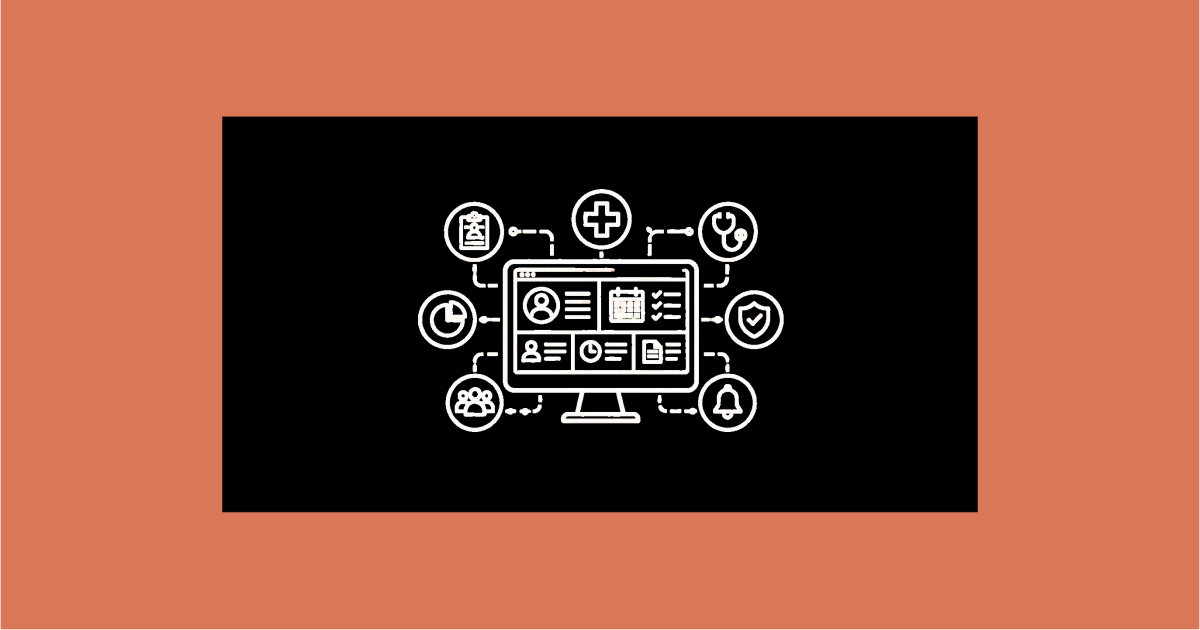
Running a clinic means holding a lot of small things in your head at once: who is waiting, whose file is where, which follow-up is due, what has been billed. Clinic management software does not make those things go away, but it moves them out of memory and onto a screen the whole clinic can see. Here is what that actually buys you.
If you want the fundamentals first, start with our complete guide to clinic management software.
One patient record, findable in seconds
The biggest single change is that a patient’s history stops being a physical file. Registration details, past visits, allergies, current medication, prescriptions and uploaded reports sit in one record, and a name or a phone number brings it up. Nothing is lost to a misfiled folder, and two people can look at the same record without one of them waiting.
Appointments that do not collide
Manual diaries produce double-booked slots and long waits. A system holds doctor-wise slots that respect each doctor’s timings and consultation length, so reception cannot book someone into a gap that does not exist. Walk-ins go on the same schedule as booked patients, and reminders go out before the visit. Many clinics also lean on an OPD workflow to keep the waiting room moving.
Prescriptions written once
The doctor writes medicine, dose, frequency, duration and instructions once, and it prints on the clinic’s letterhead or goes to the patient on WhatsApp. The prescriptions written most often are saved as templates and reused in a tap. The patient stops losing a slip of paper, and the pharmacy stops calling to decipher handwriting.
Billing that adds up
Digital billing generates a GST-compliant invoice from the consultation, tracks what has been paid and what is outstanding, and produces collection reports by doctor and by day. Month-end stops being an evening with a calculator and the bill book.
A record you can review
Because visits, prescriptions and payments are all captured, you can see patterns: which follow-ups are not coming back, which days are busiest, how collection is tracking. This is ordinary reporting, not analytics for its own sake, and it is useful precisely because it is grounded in what actually happened at the desk.
Where lab reports fit
Clinics often send patients to an outside laboratory. Clinic software does not run that lab, but it can hold the finished report against the patient’s record, the clinic or the patient uploads the PDF, and it is there at the next consultation. If you run your own in-house lab at volume, that needs dedicated lab software alongside; the clinic system is not built for sample tracking or result verification.
Access set by role
Reception needs appointments and billing. It does not need clinical notes. A system lets you set access by role, typically reception, doctor and admin, so staff see only what their job requires, patient contact details are encrypted where they are stored, and there is an audit trail of who changed what.
Fewer things depending on one person
Perhaps the quietest benefit: when the record is in a system rather than in one experienced receptionist’s head and one cupboard, a day off, a resignation or a lost file stops being a crisis. The clinic keeps running because the information is not tied to a person or a place.
How CareZenix fits
CareZenix is an outpatient clinic system that covers this ground: patient records and EMR, appointments, digital prescriptions on your branding, GST billing, an embeddable booking widget for your own website, and WhatsApp and SMS reminders. The account is configured for you before you log in. It does not include inpatient, laboratory or pharmacy modules, that is deliberate, so the software stays something a small clinic’s staff can learn quickly. You can see the full scope on the features page.
The takeaway
The benefit of clinic management software is not "digital transformation". It is concrete: a record you can find, a schedule that holds, prescriptions that print correctly, invoices that add up, and a clinic that does not stop when one person is away. Pick a system built for outpatient practice, make sure it carries your name, and it earns its monthly fee in saved time within the first few weeks.
Related reading
Frequently Asked Questions
Insights and details about this topic.
Clinic management software is healthcare software that helps clinics manage patient records, appointments, billing, and clinic workflows digitally.
Doctors use clinic management systems to organize patient data, schedule appointments, and improve clinic efficiency.
Yes. Clinic software includes patient management systems that store patient medical history, prescriptions, and consultation records.
Yes. Small clinics benefit greatly from clinic management software because it helps them organize patient data and streamline operations.